What if every screen in your hotel answered a guest question before they needed to ask your team? That is the practical promise of hotel digital signage software. But a display without a defined purpose can add noise instead of improving communication. Choosing where signage belongs, what each screen should communicate and who will keep its content current are just as important as choosing the technology.
To decide which areas to prioritise, start with the guest journey and the questions people need answered in each space. Then define content responsibilities, approval steps and the signage formats that fit your property. This guide walks through that process and explains how ITSthe1 Solutions’ 1.DS digital signage solutions, including wayfinding, kiosks, meeting room displays, video walls and digital menu boards, can fit into a hotel signage plan.
Key Takeaways
- Use hotel digital signage software for shared, on-screen information, and distinguish it from IPTV’s role in delivering television entertainment.
- Plan around guest audiences and hotel locations, then define the message, content owner and requirements for each display.
- Include brand standards, readability, accessibility and content approvals in your plan.
- Match signage formats to specific needs, from wayfinding and kiosks to meeting room displays and digital menu boards.
What Hotel Digital Signage Software Does Across a Property
Hotel digital signage software is used to prepare and present information on digital displays across a property. The screen’s location should shape its purpose. A lobby display might help arriving guests orient themselves, while a screen near meeting rooms can direct attendees to the right space. What is digital signage? The term describes the use of digital screens to present information, with content selected for its setting.
Digital signage communicates shared information on property displays; IPTV delivers television entertainment, commonly through guest-room televisions. The two serve different needs, even when both are part of a hotel’s technology environment. Scope signage around what people need to know in a particular shared space, rather than treating it as another channel for room-based entertainment.
Which hotel communication needs suit digital signage?
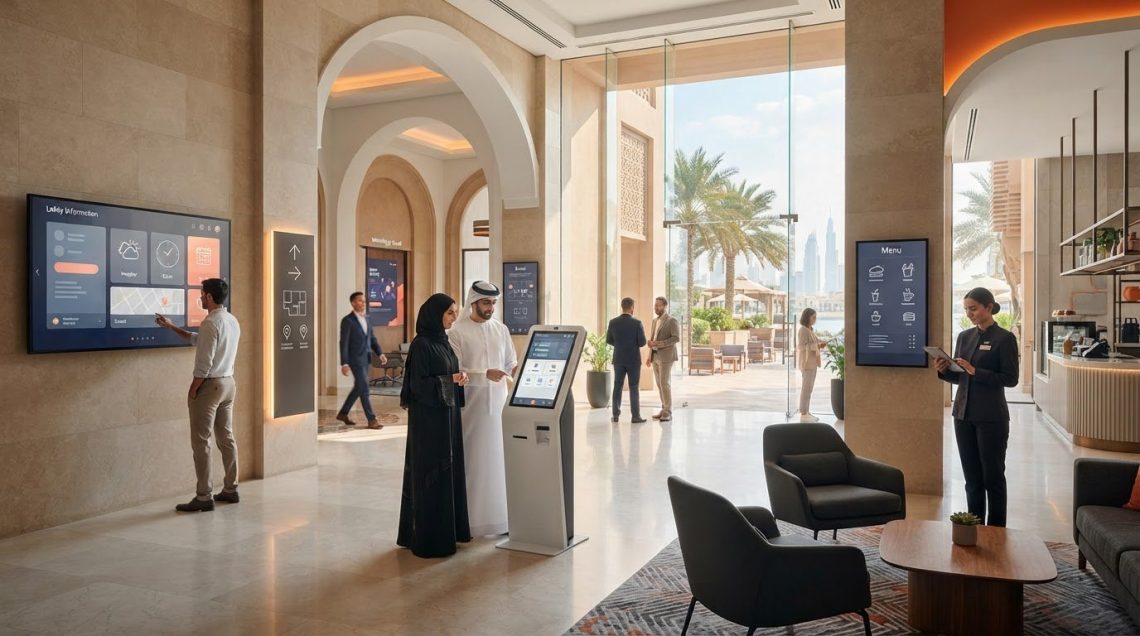
Start with the guest’s location and next decision. At arrival, lobby information can help guests orient themselves. Along routes to event areas, wayfinding can clarify directions. Meeting room displays can identify spaces or present venue information, while digital menu boards can show menu choices in dining areas.
Different messages have different audiences. Guest-facing content might explain where to go or what a venue offers. Operational or venue information may support staff coordination or communicate room use to people in a specific area. Separating these purposes helps keep each display relevant and avoids trying to serve every audience with one screen.
Before choosing a display format, record its location, intended audience and primary message. A directory or wayfinding display serves a different purpose from a menu board or meeting room screen. This gives hotel teams a practical way to decide where signage belongs and what each display should present.
How to Plan Hotel Digital Signage Software Around Real Requirements
A practical plan starts with communication needs, not a screen count. Before selecting hotel digital signage software, clarify who needs information, where they need it and who will keep each message accurate. These decisions help shape a solution around the property’s guest journey and day-to-day operations.
What should a hotel define before choosing a signage solution?
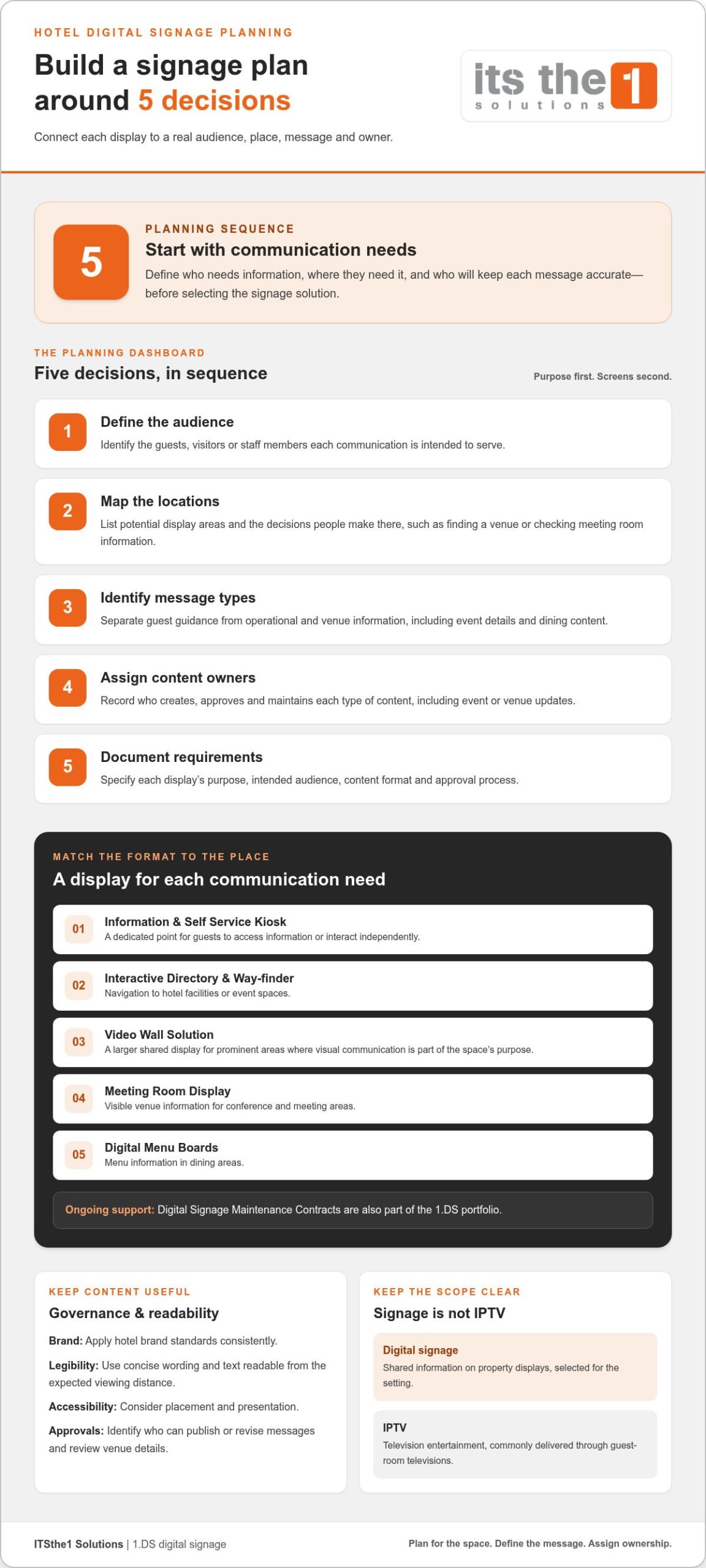
Build the plan in sequence: define audiences, map locations, identify message types, assign content owners, then document requirements. Use the following checklist to connect each display to a purpose and give the team a shared basis for assessing the scope.
- Define audiences: Identify the guests, visitors or staff members each communication is intended to serve.
- Map locations: List potential display areas and the decisions people make there, such as finding a venue or checking meeting room information.
- Identify message types: Separate guest guidance from operational and venue information, including event details and dining content.
- Assign content owners: Record who creates, approves and maintains each type of content, including updates to event or venue information.
- Document requirements: Specify each display’s purpose, intended audience, content format and approval process.
Content governance determines whether screens stay useful. Apply hotel brand standards consistently, while prioritising legibility. Use concise wording, text that can be read from the expected viewing distance and contrast suited to the display’s location. Consider accessibility in both placement and presentation. Set an approval process that identifies who can publish or revise messages, and which team is responsible for reviewing venue details. Samsung’s Digital Signage in the Hotel Guest Experience offers a hotel-focused perspective on signage applications.
A documented scope helps align operational needs with relevant signage categories. ITSthe1 Solutions’ technology solutions include digital signage for hospitality environments.
How ITSthe1 Solutions’ 1.DS Fits a Hotel Digital Signage Plan
A hotel signage plan may include several display formats, each selected for a defined communication purpose. ITSthe1 Solutions’ Digital Signage Solutions, 1.DS, include categories that can be mapped to the locations and requirements identified during planning. The aim is to match the component to the space, rather than assume every area needs the same type of display.
What signage components can hotels scope with 1.DS?
- Information & Self Service Kiosk: Consider this format where guests need a dedicated point to access information or interact independently.
- Interactive Directory & Way-finder: Use this category to address navigation needs, such as helping visitors locate hotel facilities or event spaces.
- Video Wall Solution: Consider a larger shared display format for prominent areas where visual communication is part of the space’s purpose.
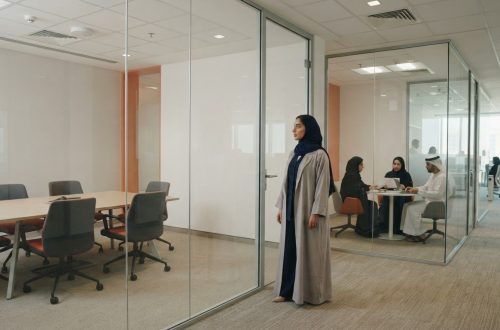
- Meeting Room Display: Scope this for conference and meeting areas where venue information needs to be visible to attendees.
- Digital Menu Boards: Match these to dining areas where guests need to view menu information.
Digital Signage Maintenance Contracts are also part of the 1.DS portfolio. Including maintenance in the project discussion brings ongoing support needs into the same planning conversation as display locations and content responsibilities.
These categories help turn hotel digital signage software planning from a broad wish list into a scope based on property spaces and communication priorities. ITSthe1 Solutions’ digital signage solutions include the formats outlined above.
Define the spaces, audiences and display purposes your project needs to address, then discuss a tailored 1.DS scope with ITSthe1 Solutions.
Turn Your Signage Priorities Into a Clear Next Step
Turn your hotel’s communication priorities into a practical project brief. Identify the guest journeys or operational needs you want to support, the spaces involved and the teams responsible for keeping information accurate. This gives discussions about hotel digital signage software a focused starting point, grounded in how your property works rather than a generic list of technology features.
A considered scope can help your team make decisions in stages, separating immediate priorities from future opportunities. ITSthe1 Solutions provides tailored 1.DS digital signage solutions for hospitality environments.
Frequently Asked Questions
Is hotel digital signage software the same as IPTV?
No. Hotel digital signage software supports information presented on shared displays, while IPTV delivers television content to screens, often in guest rooms. A hotel might use a shared display to communicate venue information and IPTV to provide television entertainment in a room. The distinction helps teams plan for different audiences and purposes instead of treating every screen as the same channel.
Can hotel digital signage software work with screens a property already has?
That depends on the screens’ technical characteristics and intended use. Start by documenting each display’s model, available connections, orientation, placement and expected operating conditions. This inventory helps establish which existing screens may suit the project and where a different display type might be more appropriate. Do not assume every screen can support every signage purpose.
How much does hotel digital signage software cost?
There is no single cost for every hotel signage project. Scope can vary according to the number and type of displays, the locations involved, the signage categories selected and whether Digital Signage Maintenance Contracts are included. A clear requirements brief helps define the project before pricing is discussed, so the proposed solution reflects the property’s needs.
What should hotels display on digital signage screens?
Choose content according to what people need to know in each space. An arrival-area screen might explain where guests can find reception or luggage services, while a dining display could show opening hours alongside menu information. Keep messages concise and legible, have the relevant team approve them, and review content when venue details or guest guidance changes.
Discuss a tailored 1.DS hotel digital signage scope with ITSthe1 Solutions.