A booked meeting room isn’t necessarily a used one. Meeting room management solutions help organisations align reservations with actual occupancy, and can automatically release a room if users don’t check in within a configurable grace period of 5-15 minutes.
Room availability matters, but teams also need to know whether spaces are accessible, allocated appropriately and used as intended. A meeting room management system brings bookings, room status and usage information into a clearer operational view. Its analytics can reveal patterns such as recurring demand and underused rooms.
This guide explains what these systems do, how usage insights can inform space planning, and how requirements differ across corporate offices, hospitality, education, government and healthcare settings in the UAE. It also covers practical deployment considerations, so you can assess which capabilities suit your environment without treating every room the same.
Key Takeaways
- Use booking confirmations and reminders to make room reservations clearer for organisers and attendees.
- Read usage patterns to identify where space planning or room allocation may need attention.
- Adapt room management requirements to the distinct workflows of corporate, hospitality, education, government and healthcare settings.
- Explore how 1.DSMM – Digital Signage & Meeting Room can support meeting room operations through digital signage and meeting room technology.
What Is a Meeting Room Management System?
A meeting room management system coordinates bookings, calendars and room status in one workflow. For organisations in the UAE, the right setup depends on how teams reserve spaces, share calendars and manage room information.
Booking and Notification Workflows
Real-time availability helps employees find open rooms before booking, while confirmations record the selected space and meeting time. Reminders help attendees prepare, and delegated booking lets an assistant reserve a room on a colleague’s behalf without taking ownership of the meeting.
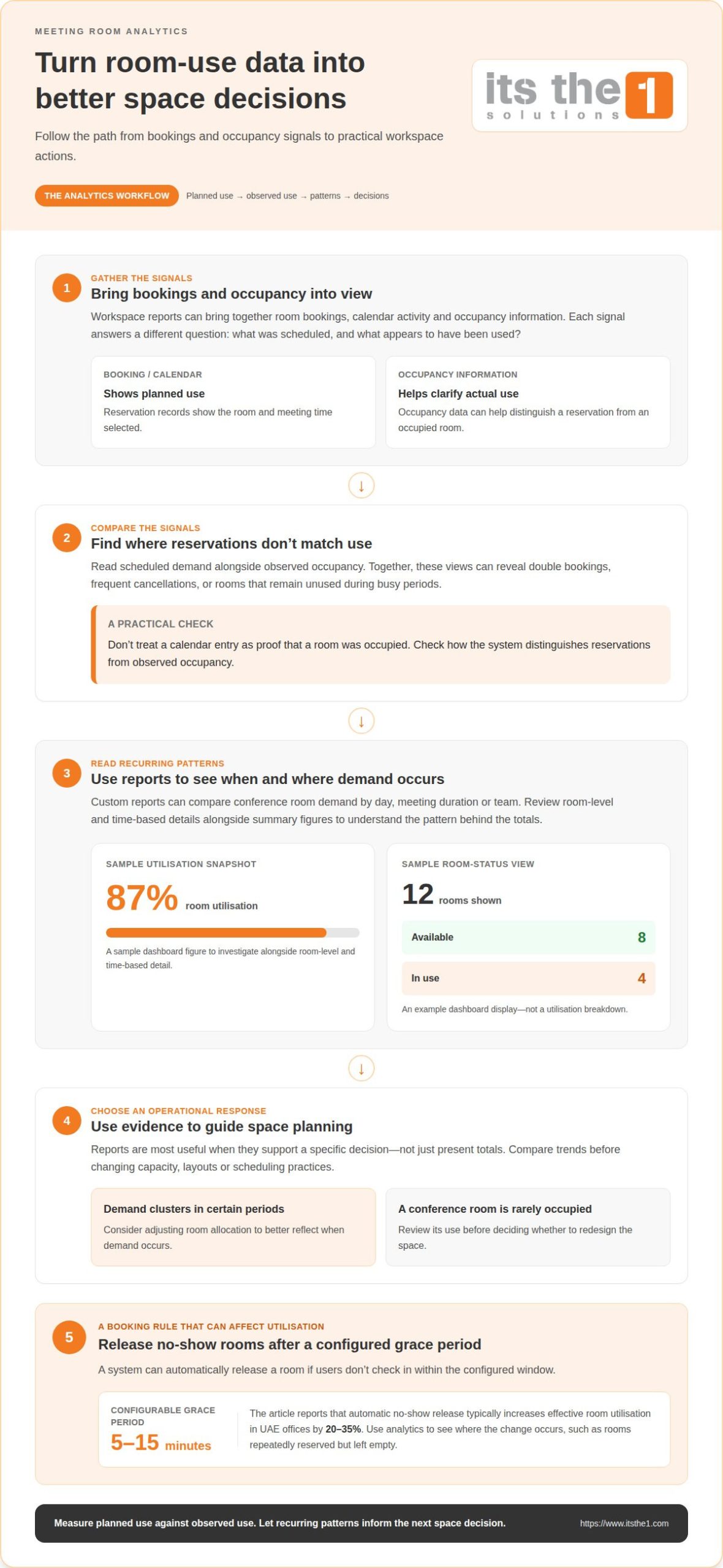
A no-show rule can release a room when users don’t check in within a configurable grace period of 5-15 minutes. Compare how the system handles changes, cancellations and check-ins, not only how quickly it creates a reservation.
System Functionality and Comparisons
Compare room booking software by testing its core workflow: search, reserve, update and cancel. Check whether it clearly displays room capacity, equipment and current status, and whether employees can use it through a browser or mobile app.
Privacy matters too: calendar titles and attendee details can expose sensitive information if access and retention are poorly controlled. For UAE government deployments, the described option is NESA-aligned for data security and UAE PDPL personal data compliance.
Calendar Platform Integrations
Meeting room booking systems connect with Microsoft 365 or Google Workspace by synchronising room calendars and reservations. A room resource can then appear alongside a meeting invitation in Outlook or Google Calendar, helping reduce duplicate bookings.
During a comparison, examine how updates and cancellations flow between the calendar and booking interface. For example, a hybrid team should be able to amend a meeting in its usual calendar and see the room status update in the management system.
Scheduling Hardware and Room Devices
Hardware needs depend on the booking workflow. A system may use room displays, network access and, where occupancy status is needed, sensors; meeting room display panels offered for UAE deployments have 7-, 10- or 13-inch screens.
The booking system supplies reservation information to the display, which can show whether a room is available or booked. An occupancy sensor can add a signal about actual room use, helping distinguish a reservation from an occupied space. A sample dashboard might show 12 rooms, with 8 available and 4 in use.
Analytics and room usage insights
Usage analytics turn booking and occupancy records into evidence for workspace decisions. In UAE offices, reports can show whether scheduled demand matches actual room use.
Workspace Analytics and Reporting
Workspace analytics bring room bookings, calendar activity and occupancy information together in reports for facilities and workplace teams. A custom report might compare conference room demand by day, meeting duration or team, helping employees and managers spot recurring scheduling patterns.
Check how room management software distinguishes reservations from observed occupancy. A calendar entry shows planned use, while occupancy data can help clarify whether a room was actually used. Together, these views can reveal double bookings, frequent cancellations or spaces that remain unused during busy periods.
Space Utilization Insights
Space utilization analytics show how effectively available rooms support actual demand. A sample room utilisation dashboard displays 87% utilisation, giving decision-makers a snapshot to investigate alongside room-level and time-based details.
Automatic no-show release typically increases effective room utilisation in UAE offices by 20-35%. Usage analytics help explain where that change occurs, such as rooms repeatedly reserved but left empty. Compare trends across meeting rooms before changing capacity, layouts or scheduling practices.
Use reports to guide specific actions: adjust room allocation when demand clusters in certain periods, or review a rarely occupied conference room before redesigning it. Room booking software is most useful when its reports support decisions, rather than simply presenting totals. Teams assessing connected workplace technology can explore digital workplace solutions as part of their analytics planning.
Meeting room management across corporate, hospitality, education, government and healthcare settings
Room scheduling works best when it reflects how each sector uses its spaces. A corporate conference room, hotel meeting suite and campus classroom each have different booking rules and operational priorities.
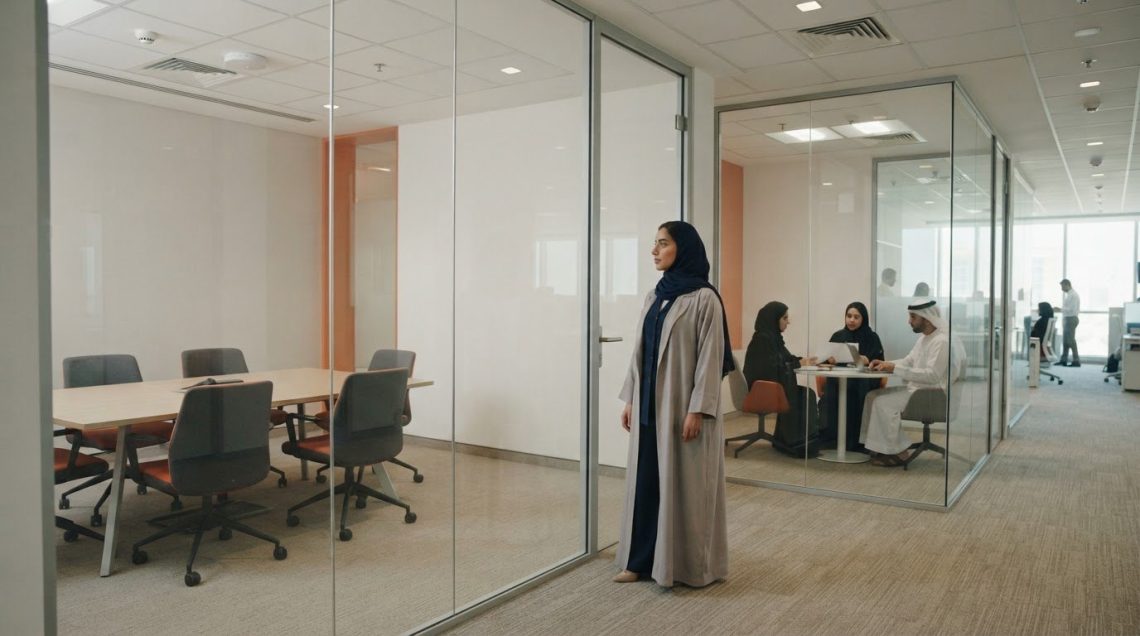
In corporate offices, a booking system can connect room reservations with Microsoft calendars and hybrid meeting workflows. Teams can reserve spaces for internal reviews, client conferences or video calls, while analytics help facilities staff understand demand across locations. Clear room names and equipment details help employees choose a space suited to the meeting.
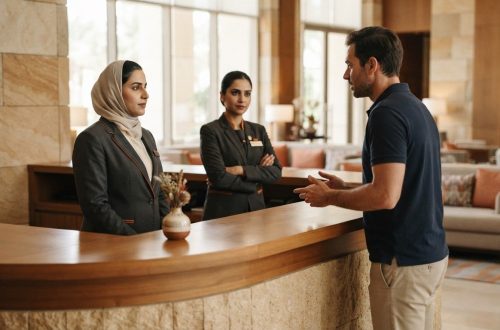
Hospitality teams coordinate guest-facing meeting rooms alongside service delivery. For example, a hotel may schedule a conference space for an event and share relevant details with staff. Digital signage can help guests find the right room without relying solely on printed schedules.
Schools and universities may manage classrooms, seminar rooms and shared spaces through one booking process. A lecturer reserving a room for a hybrid session has different needs from a department scheduling an examination, so permissions and room details should reflect each workflow.
For UAE government deployments, the described option is NESA-aligned for data security and UAE PDPL personal data compliance. Healthcare settings can also benefit from controlled room scheduling, for example, coordinating staff briefings separately from patient-facing spaces.
The practical takeaway is to map each space to its users, purpose and access needs before configuring the booking system. A unified platform can support distinct workflows without treating every room alike. Discuss meeting room and digital signage requirements for your environment.
ITSthe1 Solutions: 1.DSMM – Digital Signage & Meeting Room
ITSthe1 Solutions offers 1.DSMM – Digital Signage & Meeting Room for organisations planning meeting room and signage technology. It’s a relevant next step when room booking, room displays or digital signage need to be considered as part of a coordinated workplace setup.
Before discussing a project, outline the spaces involved, how employees currently reserve rooms, and where meeting information should be displayed. These details help shape a conversation around your operational requirements. For hospitality environments, related offerings include 1.TV – IPTV for Enterprise & Hospitality and 1.Hotel – Hospitality App for Guests and Staff.
Contact ITSthe1 Solutions to discuss your meeting room and digital signage requirements.
Plan the next stage of your workplace
Make the next step a practical planning decision: identify which spaces need clearer booking, which teams need better visibility and how room information should fit existing operations. This gives your organisation a defined scope for evaluating meeting room management solutions and deciding what to address first.
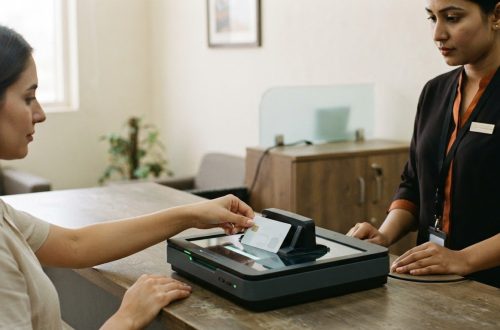
ITSthe1 Solutions offers 1.DSMM – Digital Signage & Meeting Room, 1.TV – IPTV for Enterprise & Hospitality, and 1.ID – Passport & ID Scanning. For organisations considering changes across workplace or hospitality technology, these offerings provide relevant points for a focused discussion.
Share your priorities and the spaces involved to begin exploring an approach suited to your environment. Contact ITSthe1 Solutions to discuss your requirements and take a considered next step.
Frequently Asked Questions
Need Help Choosing the Right Software?
Start by identifying the booking problems the software must solve. A shared office, for example, may need delegated reservations, while a training team may prioritise recurring sessions and room changes. List the calendar platforms, user roles and room types involved, then assess each system against those workflows. This keeps the decision focused on operational fit rather than a long feature list.
What features should meeting room management software include?
Look for clear room search, booking changes, cancellation handling and access controls suited to your teams. Consider whether employees can see relevant room details before booking and whether administrators can manage permissions without giving every user the same access. For example, a department coordinator may need to reserve rooms for a group, while other employees only need to manage their own meetings.
What are the best meeting room management solutions in 2026?
There is no single best system for every organisation in 2026; the right choice depends on workplace requirements and existing technology. A company with mixed-use spaces may prioritise flexible permissions, while a hospitality operation may need room information to support guest services. In the UAE, ITSthe1 Solutions offers 1.DSMM – Digital Signage & Meeting Room for organisations considering meeting room technology.
How do meeting room management solutions handle recurring bookings, cancellations, and no-shows?
Recurring bookings reserve a room for a repeating series, while cancellation workflows return the space to availability when a meeting is removed. A useful policy defines who can edit a series and how changes are communicated to attendees. For no-shows, the system may apply a check-in rule; administrators should align it with how teams actually arrive and use rooms.
How do leading meeting room management platforms compare on usability, integrations, and analytics?
Compare platforms by running the same practical task in each: create a recurring meeting, change one occurrence and find a suitable room on a phone. Then assess whether calendar updates stay consistent and whether reports answer a real planning question, such as which room type teams request most. This repeatable test reveals workflow differences more clearly than feature labels alone.